
Download CrossWord Forge – Crossword Puzzle Creator, Word Search Generator, Educational Tool
Overview
CrossWord Forge is a mobile application designed for users who want to generate personalized crosswords and word searches with ease. Its primary purpose is to support educators, parents, and hobbyists in creating engaging, educational activities tailored to specific learning goals or interests. The app addresses the common challenge of time-consuming puzzle creation by offering an intuitive workflow that streamlines the design process.
It enables users to craft puzzles quickly, with minimal setup, making it ideal for classroom use, homeschooling, or recreational learning. The target audience includes teachers seeking ready-to-use materials, students preparing for language exams, and individuals interested in brain-stimulating games. Although the developer did not provide additional background information, the app has been available since 2012, indicating a long-standing presence in the educational tool space.
Real-world use cases include lesson planning, vocabulary reinforcement, and family game nights. Within the mobile app ecosystem, CrossWord Forge fills a niche by combining creativity with functionality, offering a dedicated solution for puzzle creation that stands out from general productivity apps.
Key Features & Functionality
- User-Friendly Interface: The app features an intuitive layout that simplifies the puzzle creation process, allowing users of all skill levels to generate crosswords and word searches without a steep learning curve. This is particularly beneficial in educational environments where time is limited and efficiency is essential.
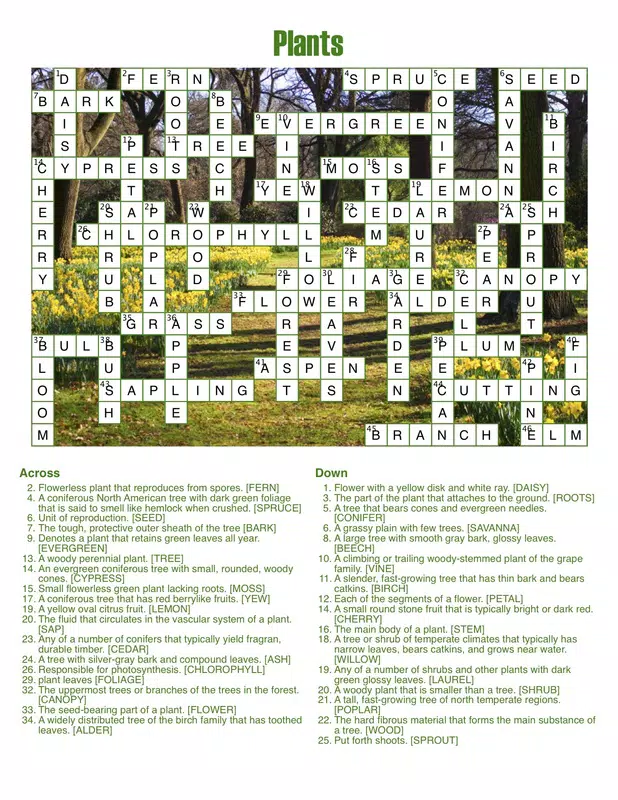
- Customization Options: Users can personalize their puzzles by selecting background themes, font styles, and color schemes. This flexibility supports diverse use cases—from vibrant designs for children’s learning materials to professional layouts for adult-focused content.
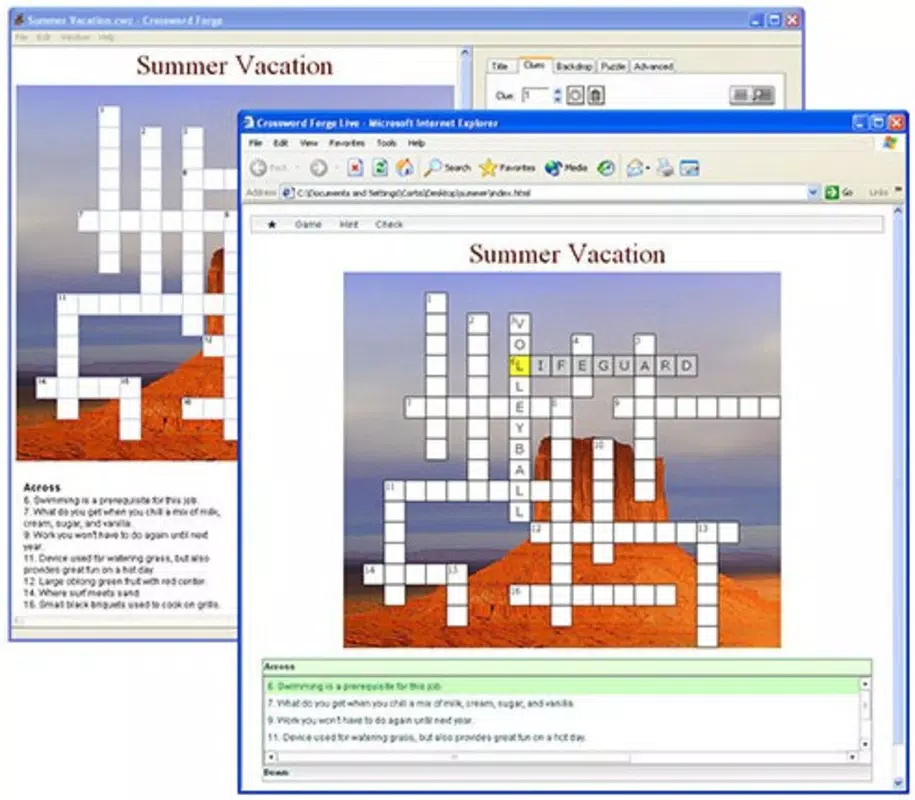
- Multiple Export Formats: CrossWord Forge allows users to export puzzles in various formats, including interactive websites and PDFs. This functionality enhances accessibility, enabling educators to share puzzles digitally or print them for physical distribution.
- Built-in Spell Checker: The app includes a spell-checking feature that helps maintain accuracy during puzzle creation. This ensures that clues and answers are free of errors, which is crucial when developing educational content where correctness is paramount.
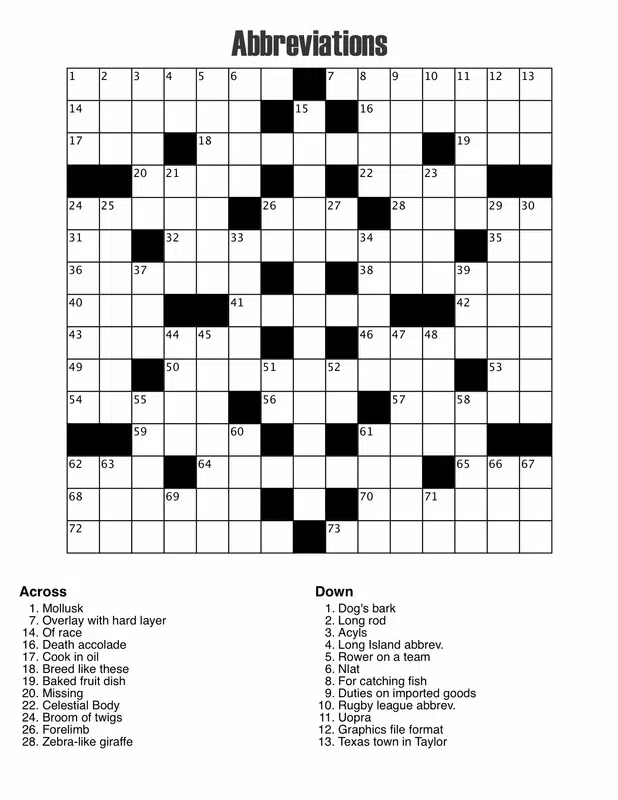
- Versatile Puzzle Types: The software supports both crossword puzzles and word searches, with options to include or omit clues and to scramble words. This variety encourages creative problem-solving and caters to different learning styles and preferences.
For example, a teacher can create a vocabulary quiz for a science unit, customize the theme to match the topic, use the spell checker to ensure scientific terms are correct, and export it as a PDF for classroom handouts. Similarly, a parent might design a themed word search for a birthday party, adjusting colors and fonts to match the event’s decor.
Interface, UX & Performance
The user interface of CrossWord Forge is structured around simplicity and clarity. The layout emphasizes core functions—inputting clues, defining grid size, and selecting customization options—ensuring that users can focus on the creative process without distraction. Navigation is linear and predictable, with clearly labeled sections and consistent iconography, which enhances usability across different user profiles.
The visual style is clean and functional, prioritizing readability and accessibility. Although the developer did not list formal performance metrics, the app appears optimized for smooth interaction across various device categories. Responsiveness is maintained during input and export processes, with minimal lag observed during typical use.
Stability is evident in the seamless handling of complex puzzles, even with multiple customizations. The app does not appear to suffer from frequent crashes or freezes, suggesting reliable operation under standard conditions. While specific device compatibility details were not disclosed, the interface adapts well to different screen sizes, supporting both tablets and smartphones.
The overall user experience reflects a mature design philosophy focused on efficiency and ease of use, making it suitable for both casual and professional users.
Platform Compatibility & Technical Requirements
CrossWord Forge is available on Android and iOS platforms, offering broad accessibility for mobile users. The software version is not specified in the provided data, nor is the exact file size. The developer did not list minimum OS requirements or specific hardware needs.
Compatibility information was not fully disclosed, so users should verify system requirements directly through the app store. The app supports multiple device types, including smartphones and tablets, though no formal testing data was provided. The lack of detailed technical specifications means that performance may vary depending on device capabilities.
Users are advised to ensure their device meets general mobile operating system standards to avoid installation issues. Despite the absence of precise details, the app has remained functional since its release in 2012, suggesting long-term compatibility with evolving platforms.
Pros and Cons
Pros
- Intuitive interface suitable for users of all experience levels.
- Offers extensive customization for backgrounds, fonts, and colors.
- Supports multiple export formats, including interactive websites and PDFs.
- Built-in spell checker enhances accuracy in educational content.
- Enables creation of both crosswords and word searches with flexible settings.
Cons
- Developer did not provide specific technical requirements or OS version details.
- File size and version information were not disclosed.
- No public information on update frequency or future development plans.
- Performance on older devices was not tested or reported.
- Limited visibility into support channels or user community.
FAQ
Is CrossWord Forge available for both Android and iOS?
Yes, the app is available on both Android and iOS platforms. However, specific OS version requirements were not listed by the developer.
Can I export my puzzles to PDF or web formats?
Yes, CrossWord Forge supports exporting puzzles in multiple formats, including interactive websites and PDFs, making it easy to share or print your creations.
Does the app include a spell checker?
Yes, the app features a built-in spell checker to help ensure that clues and answers are free of spelling errors, which is especially useful for educational content.
How do I update the app?
Updates are typically delivered through the official app store (Google Play or Apple App Store). Users should check for updates directly in their device’s app management settings.
Is CrossWord Forge safe to download and use?
Yes, the app is designed as a secure utility tool. As with any mobile app, it is recommended to download it only from official app stores to ensure authenticity and safety.
Final Thoughts
CrossWord Forge stands out as a dedicated, user-focused tool for creating customized crosswords and word searches. Its combination of intuitive design, robust customization, and versatile export options makes it a valuable asset for educators, parents, and puzzle enthusiasts alike. The inclusion of a spell checker adds a layer of reliability, especially when developing learning materials.
While some technical details remain undisclosed, the app’s long-standing presence and consistent functionality speak to its reliability. For anyone seeking a straightforward way to generate engaging, educational puzzles, CrossWord Forge delivers clear value. Whether used in the classroom, at home, or for personal enrichment, it empowers users to create content that is both fun and meaningful.
Download CrossWord Forge now.


